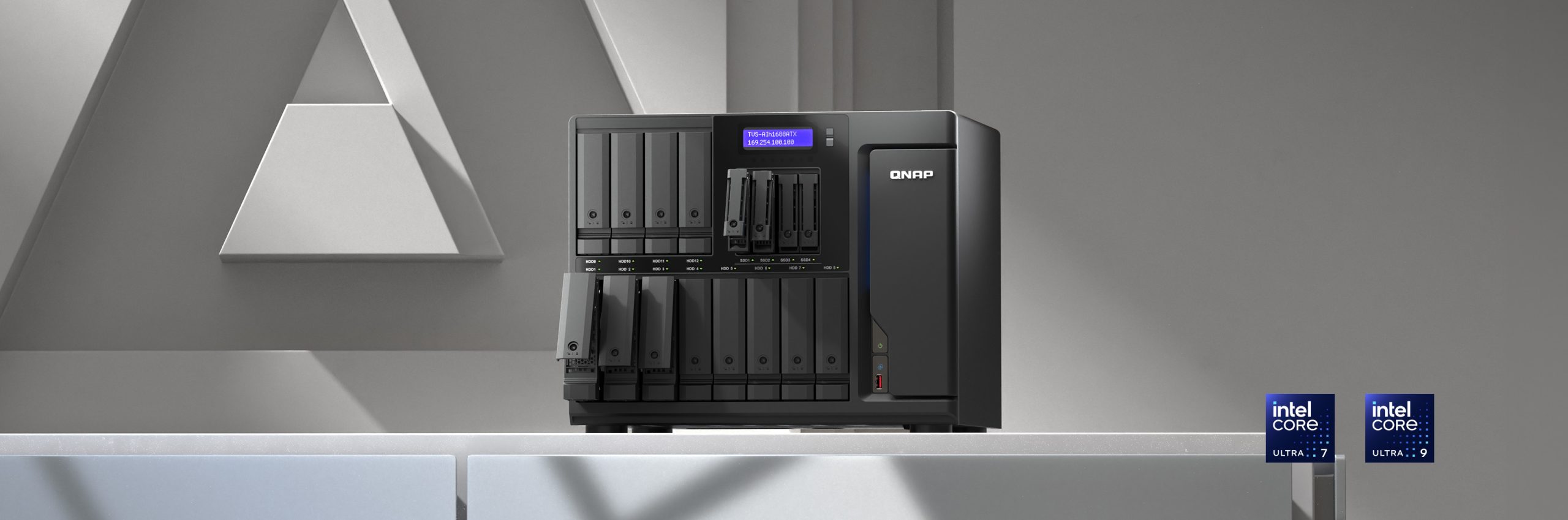
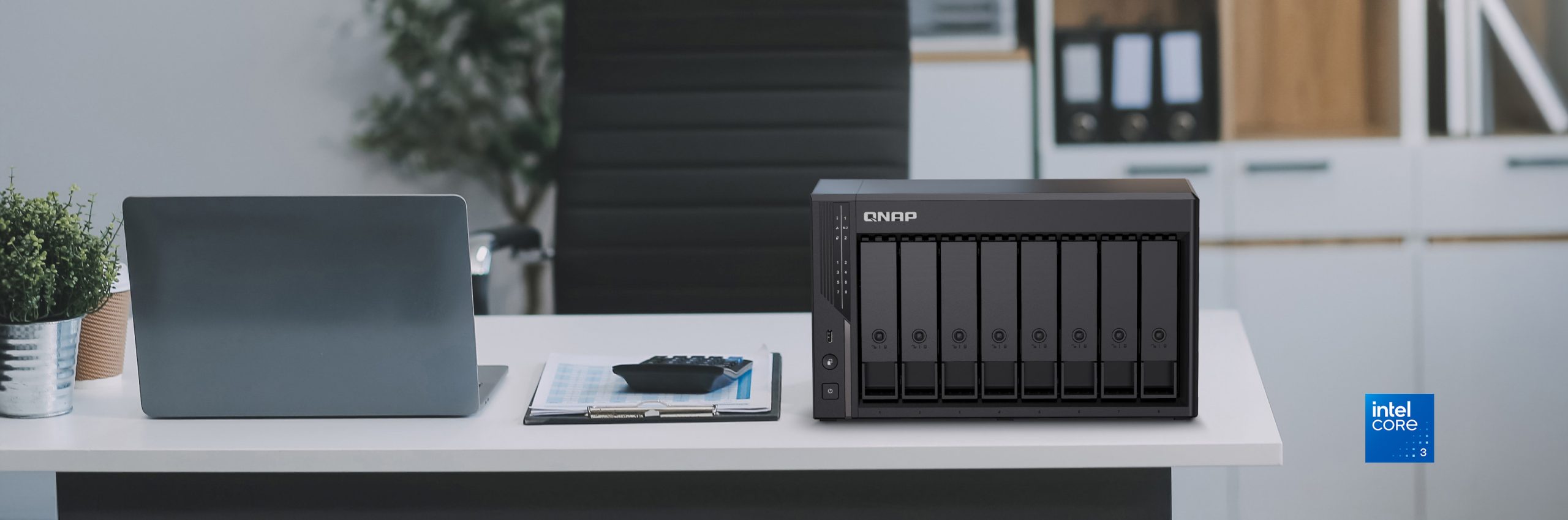
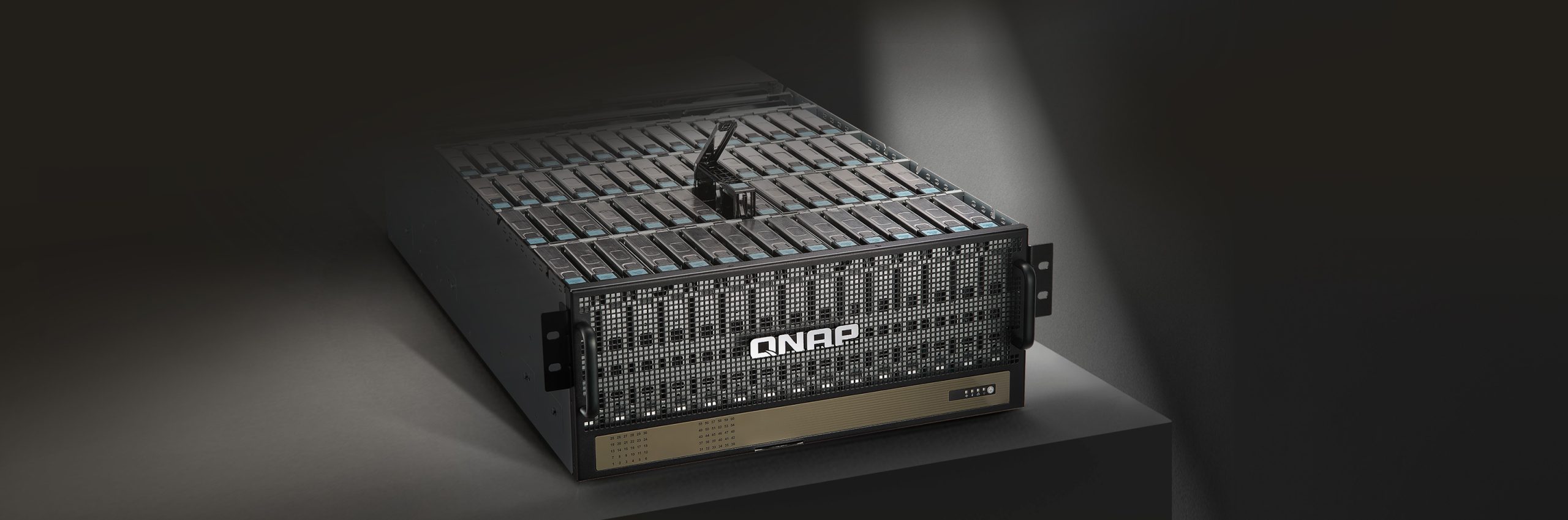
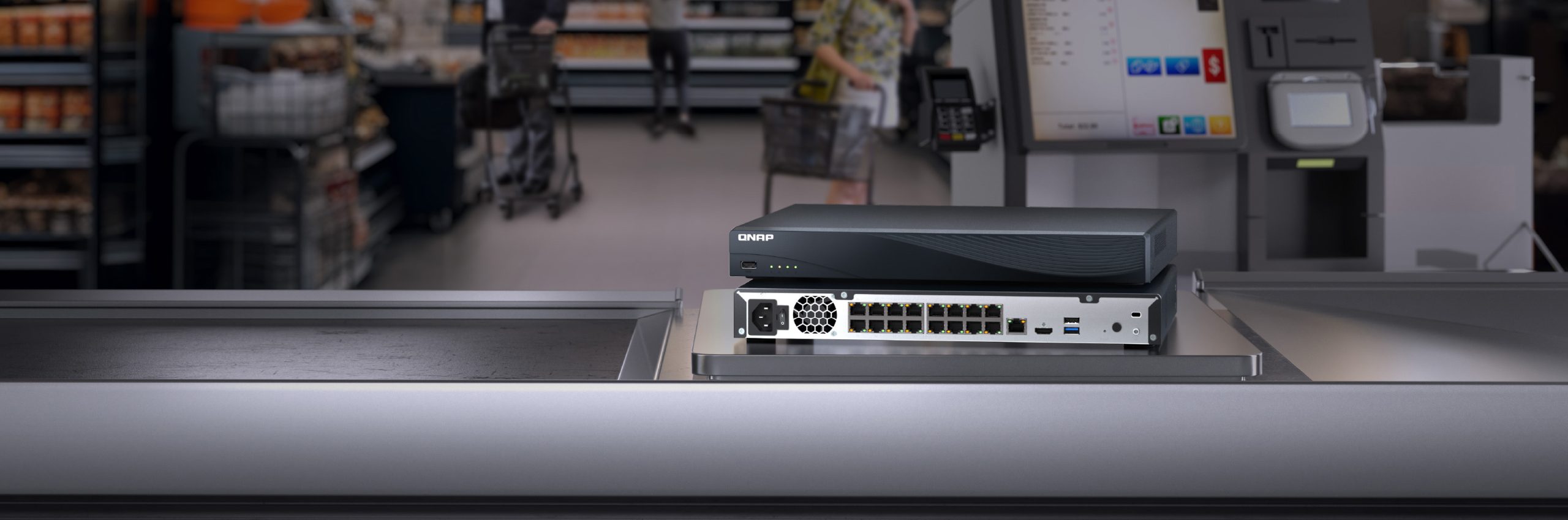
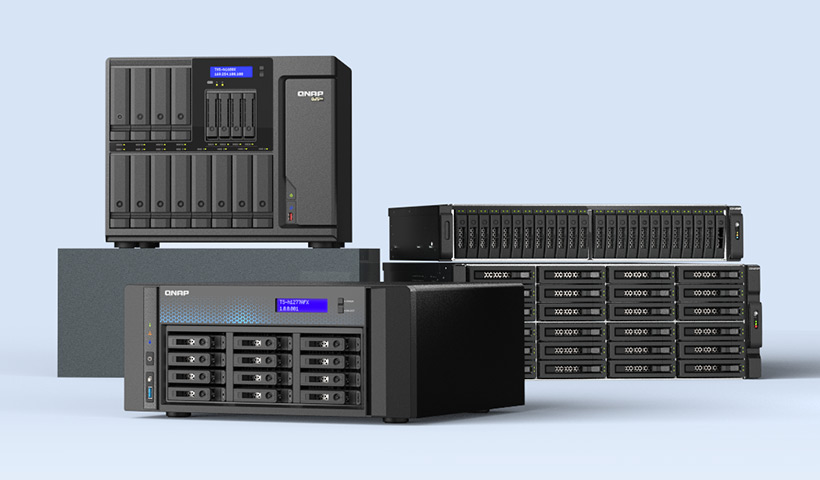
NAS as a file server — QNAP NAS gives organisations of every size stable, secure, high-performance centralised file storage.
QNAP NAS:
The ideal file server: QNAP NAS is a modern NAS server with a rich feature set, ideal for centralising all digital assets including cloud data, built-in apps that strengthen file management, file sharing across users and sites, high-volume processing on high-speed hardware, and user management with advanced access control and security.
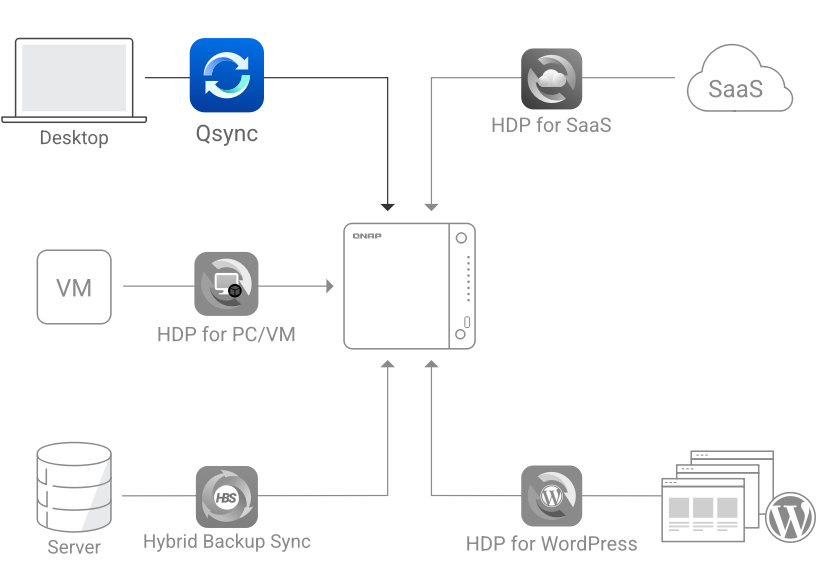
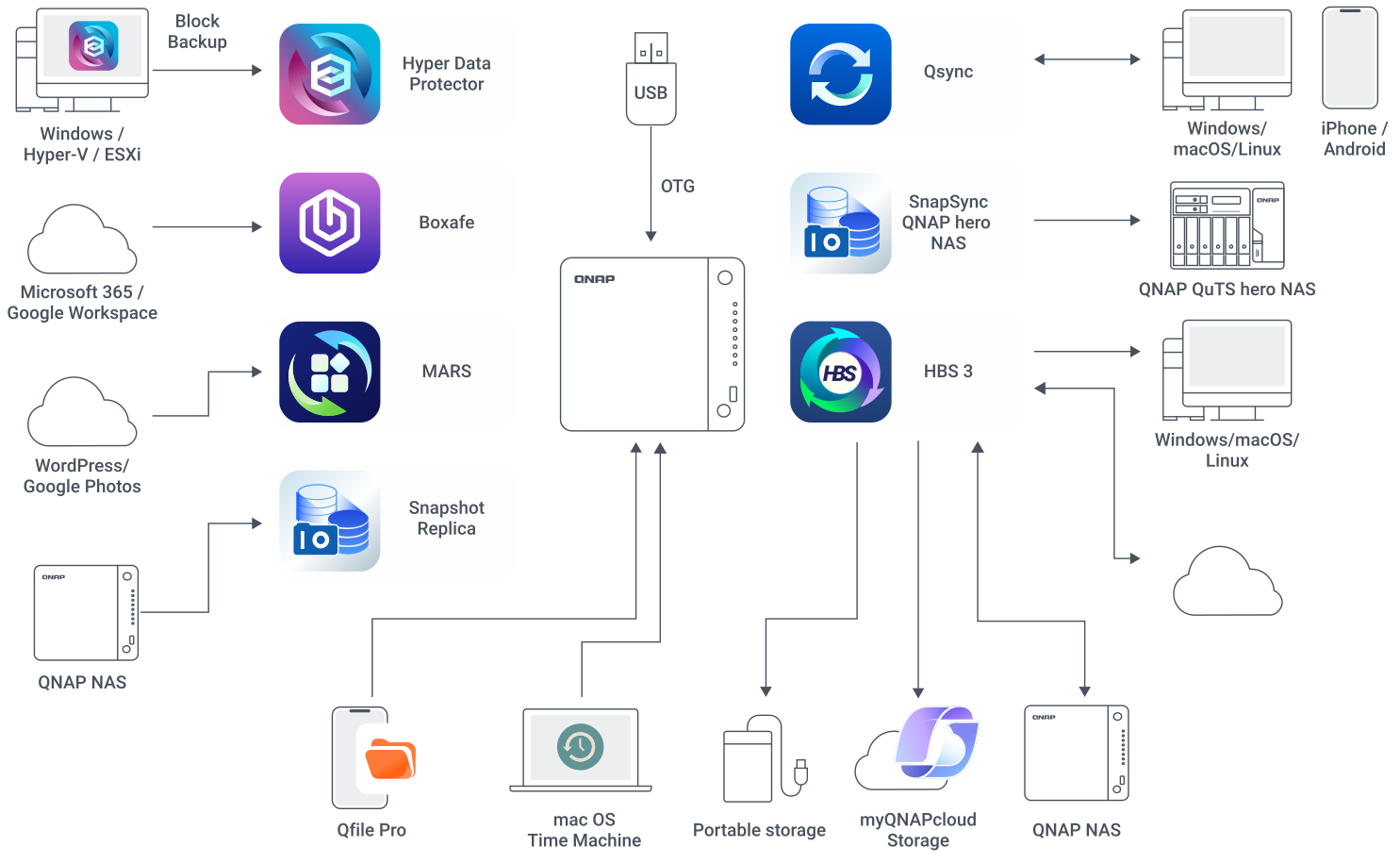
Complete data backup(Backup for) — enterprise backup and restore
Back up every device: PC and Mac computer backup VM backup: HDP for PC/VM backs up multiple VMware and Hyper-V virtual machines at once. File server backup over Rsync, FTP and CIFS covers any file server. SaaS account backup: HDP for SaaS backs up Google Workspace and Microsoft 365 account data with ease. Google Photos and WordPress backup: HDP for WordPress packages your Google Photos library and WordPress site into a backup on the NAS.
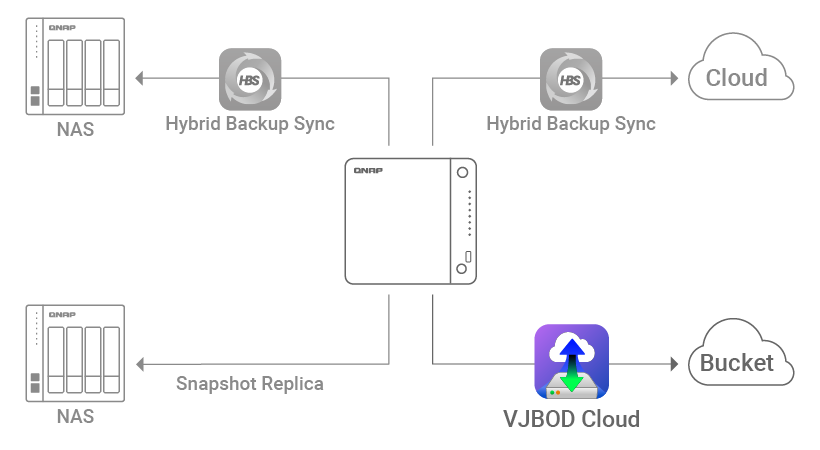
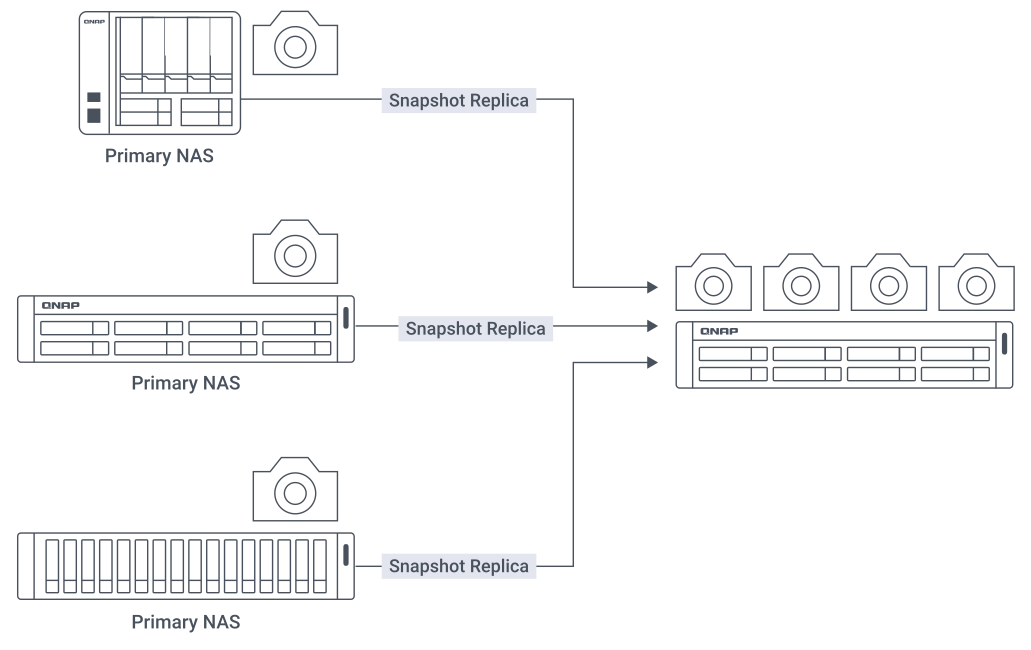
Offsite NAS replication Back up one NAS to another: use Hybrid Backup Sync to replicate NAS data to a remote NAS, with deduplication to make backups faster. Back up NAS data to the cloud: Hybrid Backup Sync supports most major cloud services for backup or sync of NAS data to cloud storage. Move data to the cloud with a cloud gateway: VJBOD Cloud connects to cloud object storage buckets and syncs NAS data to the cloud as a backup. Replicate snapshots: Snapshot Replica copies snapshots to a second NAS and restores them easily when needed.
QNAP secure storage — comprehensive, secure data storage with continuously hardened security measures that resist attacks and protect your valuable data.
Common attack methods Ransomware attacks are increasingly frequent; organisations and individuals need broader defences to reduce the risk and cost of cyber attacks.
Brute-force attacks Attackers try passwords at scale to crack credentials or encryption keys.
Software vulnerabilities Attackers exploit software weaknesses and known vulnerabilities.
Multi-layered storage protection for your digital assets QNAP builds security in layers, from the inside out, reducing risk and keeping critical data protected.
Achieve 3-2-1-1-0 backup and a sound disaster recovery plan Back up NAS data or snapshots to another location — another NAS, remote server, cloud service, expansion unit or external drive — to implement a 3-2-1-1-0 backup plan.
Keep 3 copies
On 2 types of media
Store 1 copy off-site
1 immutable or offline copy
0 errors found when verifying the restore
Double snapshot protection After backup, create multi-version snapshots at different points in time with Storage & Snapshots, then replicate them space-efficiently to a remote QNAP NAS for a second layer of protection.
Security inside and out QNAP NAS delivers strict login security, permission management and connection protection, with IP blocking, HTTPS encryption and multi-layered defences against malware and attacks.
Two-step verification One-time passcode verification on login protects accounts from unauthorised access.
Folder permission management Flexible read-only, read/write or deny permissions on shared folders and subfolders.
QuFirewall Supports IPv6, custom firewall rules and GeoIP to allow or block access from specific countries.
Security Center
Proactively detects abnormal file activity, system status changes and potential network threats, and helps apply immediate countermeasures.
Malware Remover
Scheduled scans pull the latest malware definitions and quarantine infected files in real time.
myQNAPcloud Link remote access Encrypted relay or P2P connections give fast, secure remote access to NAS data.
The QuTS hero operating system chosen by most enterprises
ZFS emphasises data integrity and security, and offers SSD optimisation advantages other file systems cannot match. QuTS hero NAS built on ZFS provides a wide range of storage options, including many HDD + SSD hybrid models, so enterprises can adopt it without friction.
Why choose QuTS hero NAS? QuTS hero NAS spans a complete product line of hybrid HDD + SSD and all-flash models, meeting storage needs from SMB to large enterprise.
Outstanding performance: multi-core processors deliver the compute heavy data workloads demand, and dedicated SSD slots on many models push performance further. High stability: data integrity is essential, and the ZFS file system puts data safety and system stability first. Strong return on investment: real-time data reduction maximises space efficiency and SSD optimisation extends drive endurance, lowering storage cost per terabyte.
Three types of QuTS hero NAS
All-flash NAS Breaks through performance bottlenecks with low latency for business-critical tasks, pairing ZFS data reduction with QNAP SSD optimisation to boost SSD performance and endurance.
HDD + SSD hybrid storage A hybrid architecture purpose-built for ZFS lets you add SSDs for cache capacity without giving up HDD bays.
High-capacity HDD storage ZFS provides highly reliable storage that scales with JBOD expansion to petabyte capacity, meeting explosive data growth while protecting valuable business data.
ZFS core capabilities that optimise operations and IT infrastructure
Data integrity, protection against corruption
ZFS RAID-Z logical volume management Fault tolerance beyond other file systems’ RAID configurations: Triple Parity provides three levels of redundancy and Triple Mirror up to three mirrored copies, raising the level of data protection. ZFS RAID-Z capacity can also be expanded one drive at a time.
Automatic data verification ZFS self-healing guards against silent data corruption: every data block is checksummed and bad blocks are repaired automatically, keeping data complete and correct.
WORM (write once, read many) support Enable WORM (write once, read many) so written data can never be overwritten, altered or deleted, guaranteeing immutability for the retention period — ideal for compliance-driven scenarios.
Proactive damage prevention When a drive reaches its health threshold, data is migrated automatically to a spare disk that joins the existing RAID — no days- or weeks-long rebuild, and a more stable, safer system.
Uses memory and SSD fully for higher read/write cache performance
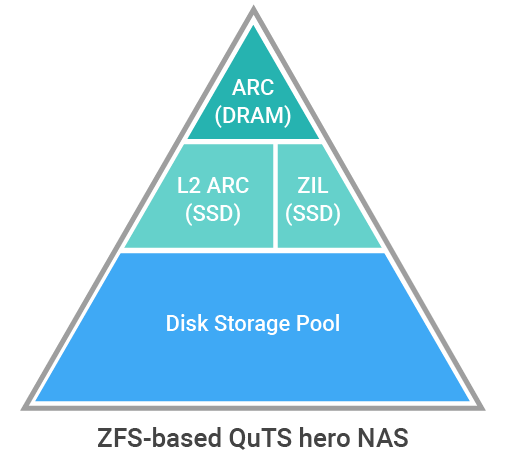
Multi-tier read and write cache ZFS uses main-memory read cache (L1 ARC), SSD read cache (L2 ARC) and the ZFS Intent Log (ZIL). Writes land in the ZIL first and are then flushed to HDD in batches, greatly reducing latency and lifting performance. The ZIL is power-loss protected, so data not yet written survives an unexpected outage. Tiered read/write cache space A dedicated ZIL (SLOG) stores ZIL and L2 ARC data on separate SSDs, so write and read workloads each get dedicated space — improving overall performance and helping SSD endurance.
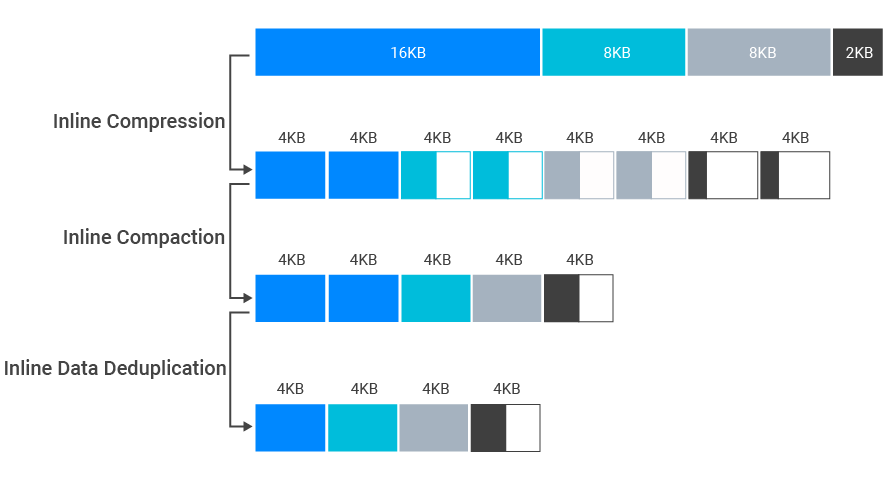
The most efficient deduplication and compression to date
Inline data deduplication
Data is deduplicated and compressed before it reaches the drives, saving substantial space and keeping usable capacity optimised.
Inline compression
Shrinking large files reduces real backend I/O load and accelerates access. In VDI environments it slims virtual desktop OS images so they cache far more easily, boosting performance.
Inline compaction
Small blocks are merged into shared block space, packing fragmented data into full blocks and greatly improving space efficiency. The gain is most visible with highly repetitive data or heavy small-block I/O, such as bank or e-commerce transaction logs.
No shared-folder capacity anxiety
A single ZFS shared folder supports up to 5 PB, helping enterprises handle the data volumes of big-data analytics, edge computing and AI.
Deploy QuTS hero NAS today QuTS hero NAS combines powerful hardware and performance to meet enterprise demands for stability and efficiency, with dedicated SSD slots and PCIe expansion for broader application potential.
Notes QuTS hero requires at least 8 GB of memory. Inline data deduplication requires at least 16 GB; 32 GB or more is recommended for best performance. QuTS hero is not available on dual-controller NAS models. Because QTS and QuTS hero use different file systems, the NAS must be re-initialised before switching operating systems. Back up all files and system settings first.