
GPU Card Line-Up: RTX PRO 6000 / RTX 5090 / 4090 Professional Supply
Distributor of RTX PRO 6000 workstation and server-edition cards, also supplying 32GB GDDR7 (5090 / 5090D) and 24GB GDDR6X (4090 / 4090D) compute cards. Single-card purchase, multi-card configurations, liquid-cooled and blower-style server editions, and complete-system solutions. In stock in Shanghai, invoiceable, supply per project.
See the full specification table Pricing and stock checkOfficial card views: PRO 6000 / L40S / 4090 / 5090
These are NVIDIA official product renders. Check the card face and cooling form factor before ordering to confirm the version, and avoid mixing workstation and server editions:
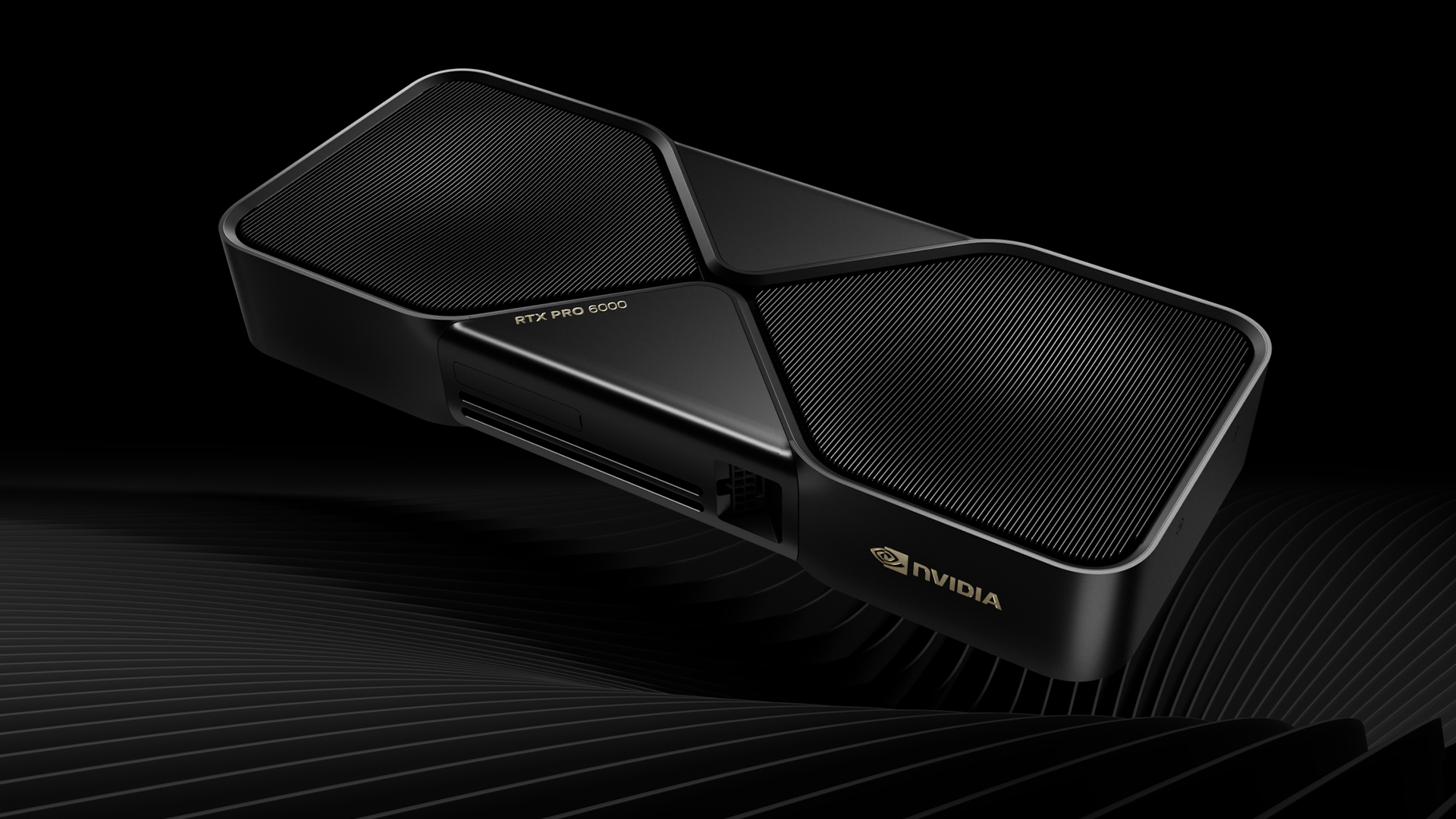
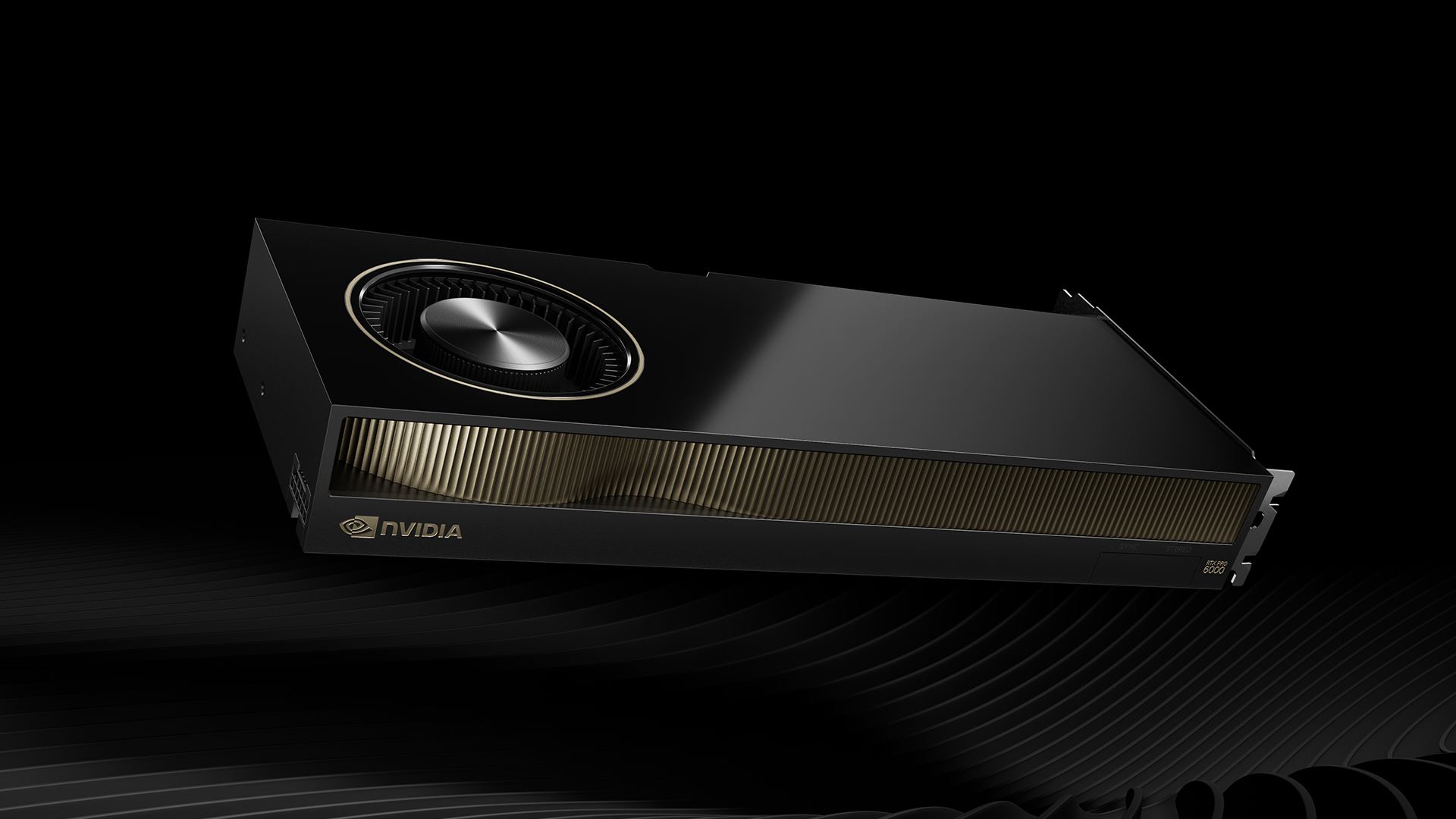
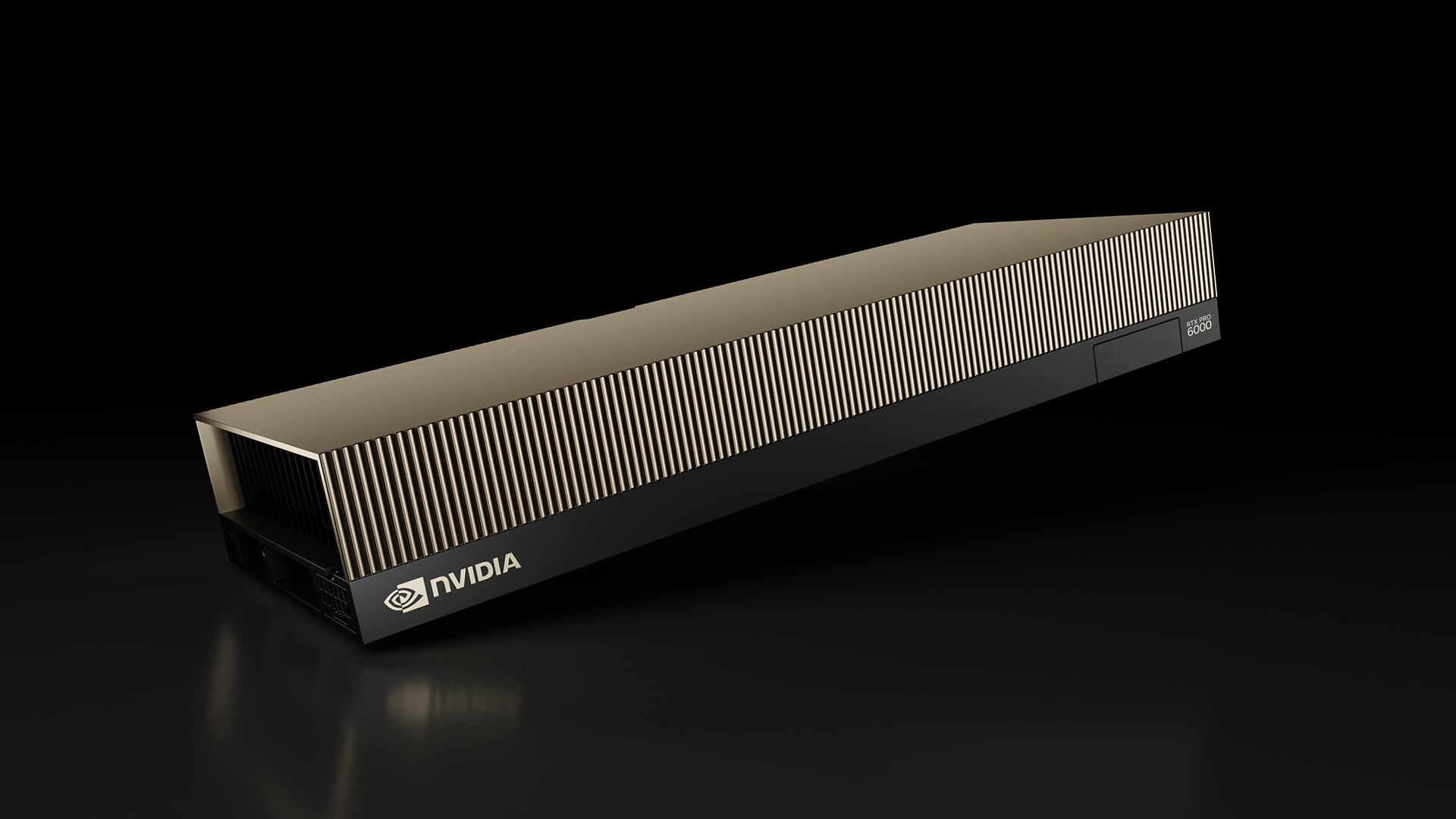
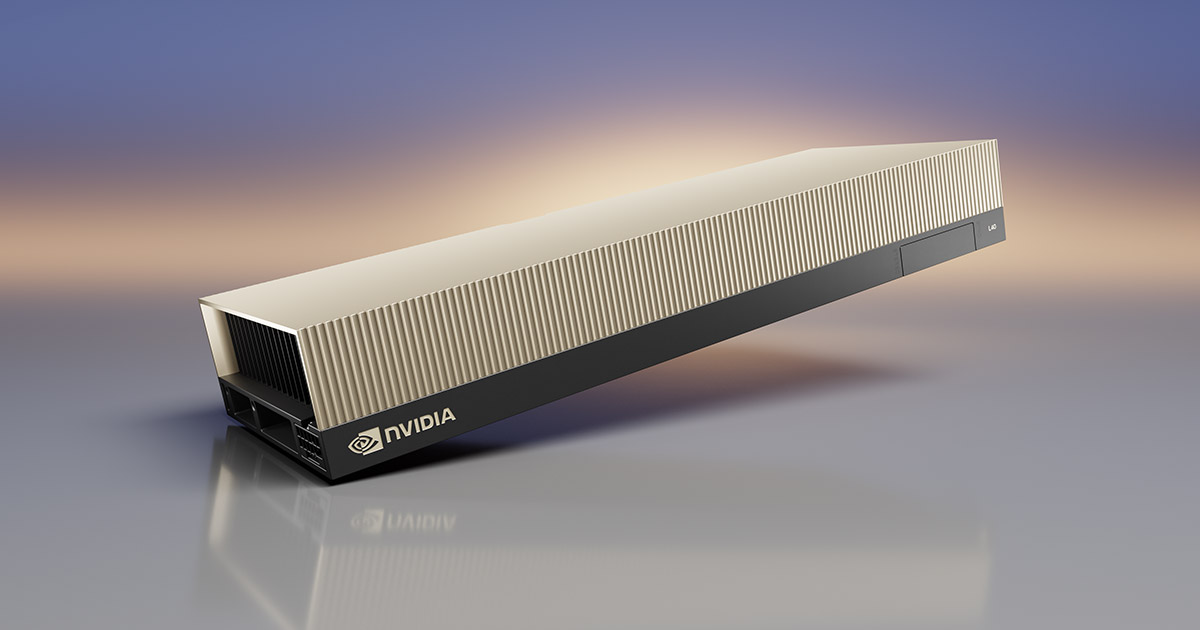
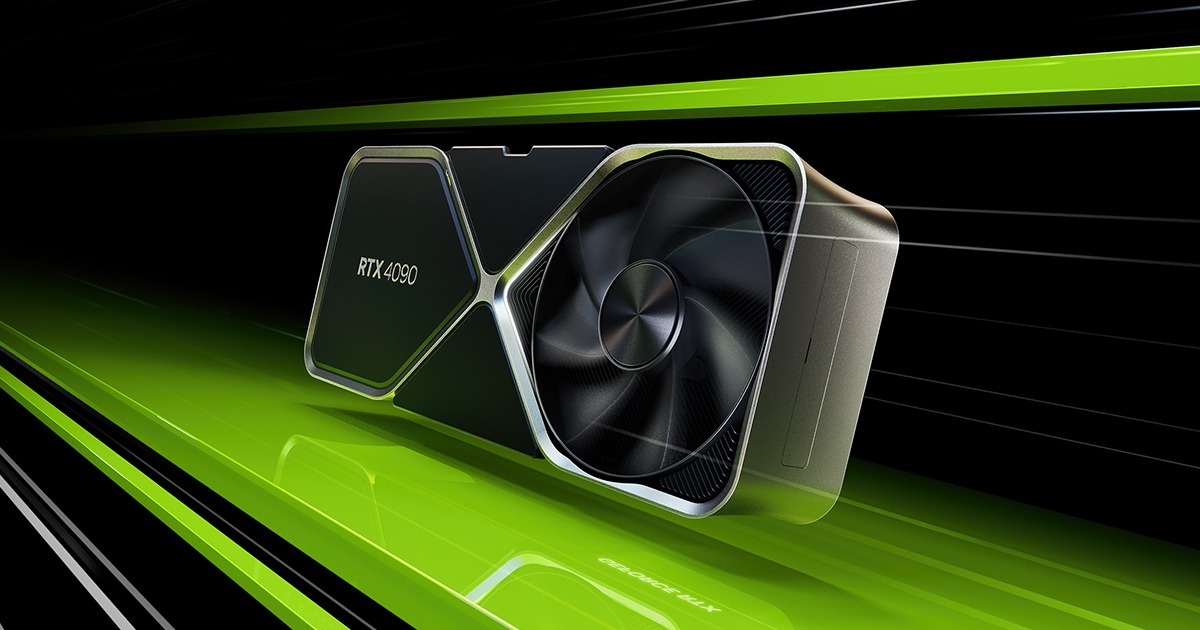
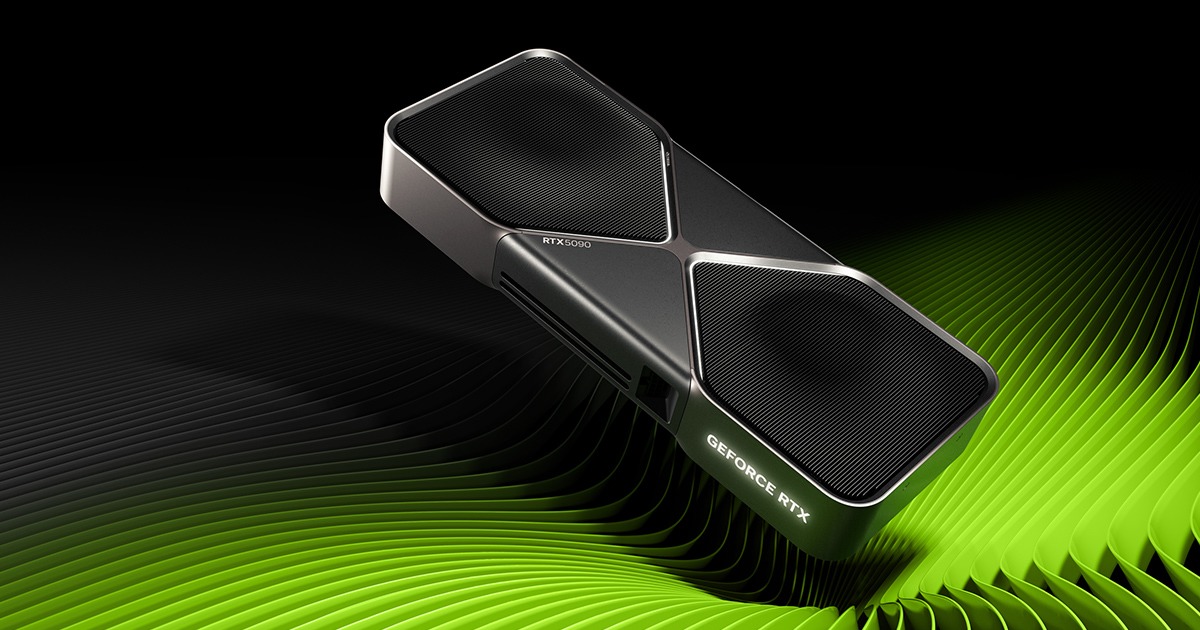
Image copyright belongs to NVIDIA; used here for selection reference only. Actual card faces depend on batch and AIC vendor version.
Peak specifications at a glance: TFLOPS, AI TOPS and memory bandwidth
Whether you are choosing a training card, an inference card or a professional graphics card, compare two hard numbers first — peak compute and memory bandwidth. The table below follows NVIDIA’s official specification basis:
| Model | Memory | Bandwidth | FP32 | Peak AI compute | Card power |
|---|---|---|---|---|---|
| RTX PRO 6000 Blackwell workstation | 96GB GDDR7 ECC | 1792 GB/s | 125 TFLOPS | 4000 AI TOPS (FP4 sparse) | 600W |
| RTX PRO 6000 Blackwell Max-Q | 96GB GDDR7 ECC | 1792 GB/s | 110 TFLOPS | 3511 AI TOPS (FP4 sparse) | 300W |
| RTX PRO 6000 Blackwell server | 96GB GDDR7 ECC | 1597 GB/s | Per current specification | Passive cooling, vGPU support | 400–600W |
| RTX 5090 / 5090D | 32GB GDDR7 | 1792 GB/s | 104.8 TFLOPS | 3352 AI TOPS (FP4 sparse) | 575W |
| RTX 4090 / 4090D | 24GB GDDR6X | 1008 GB/s | 82.6 TFLOPS | 660 TFLOPS (FP8 sparse) | 450W / 425W |
| L40S | 48GB GDDR6 | 864 GB/s | 91.6 TFLOPS | 733 TFLOPS (FP8 sparse) | 350W |
| A800 80GB | 80GB HBM2e | 2039 GB/s | 19.5 TFLOPS | 312 TFLOPS (FP16 sparse) | 400W, NVLink 400GB/s |
Note: AI compute figures use different bases across generations — PRO 6000 and 5090 are quoted at FP4 (sparse), 4090 and L40S at FP8 (sparse), A800 at FP16 (sparse). Convert to a common precision before comparing across generations. China-market variants such as the 4090D differ in specification; refer to the official specification for the current batch before ordering.
Whether you are buying a deep-learning card, training card or inference card, comparing wholesale professional-GPU pricing, or looking for a 5090 system, 4090 system or custom GPU build, use the table above to compare specifications before negotiating price. We supply both single cards and assembled systems, with stock and forward pricing quotable the same day.
Models on sale and specifications
| Model | Memory | Type / bandwidth | CUDA cores | Power | Form and cooling |
|---|---|---|---|---|---|
| RTX PRO 6000 workstation the “96G professional card” | 96GB | GDDR7, ECC | — | 600W | Dual-slot PCIe 5.0 x16, active dual-flow air cooling |
| RTX PRO 6000 Max-Q first choice for dense multi-GPU | 96GB | GDDR7, ECC | — | 300W | Dual-slot, active air cooling, supports 4 cards per machine |
| RTX PRO 6000 server edition | 96GB | GDDR7, ECC | — | 400–600W | Passive cooling (needs chassis airflow), for multi-GPU servers |
| RTX 5090 the “32G GDDR7 card” | 32GB | GDDR7, 1792 GB/s | 21,760 | 575W | Consumer flagship, PCIe 5.0, no NVLink |
| RTX 5090D | 32GB | GDDR7, 1792 GB/s | 21,760 | 575W | China-market edition, AI compute restricted |
| RTX 4090 the “24G GDDR6X card” | 24GB | GDDR6X, 1008 GB/s | 16,384 | 450W | Previous-generation flagship, PCIe 4.0 |
| RTX 4090D | 24GB | GDDR6X | 14,592 | 425W | China-market edition, core specification below 4090 |
| NVIDIA L40S | 48GB | GDDR6, ECC | 18,176 | 350W | Datacenter card, passive cooling, 4× DP |
| NVIDIA A800 80G | 80GB | HBM2e | — | 400W (PCIe) | Datacenter card, PCIe / SXM form factors |
Specifications follow the manufacturer’s published data and may differ between batches and versions; we provide the detailed specification sheet for the supplied model before delivery. Prices move with the market — please refer to a live quotation.
Running DeepSeek V4 locally: how many cards per GPU model?
DeepSeek V4 ships open weights in two tiers: V4-Flash (285B total / 13B active, about 160GB of weights) and V4-Pro (1.6T total / 49B active, about 865GB). The first gate in card selection is total memory; the second is bandwidth, which sets generation speed:
| Card | Per-card memory | Minimum cards for V4-Flash | Recommended | Minimum cards for V4-Pro |
|---|---|---|---|---|
| RTX PRO 6000 Blackwell (96GB) | 96GB GDDR7 | 2 cards (192GB) | 4 cards: ample KV cache and concurrency, long context at ease | 10 cards; 16 cards across two nodes recommended |
| RTX 5090 / 5090D (32GB) | 32GB GDDR7 | 6 cards (192GB) | 8 cards: rack system starting point | 28 cards, multi-node cluster |
| L40S (48GB) | 48GB GDDR6 | 4 cards (192GB) | 6 cards: memory headroom, cost-effective | 20 cards, multi-node cluster |
| A800 80GB | 80GB HBM2e | 2–3 cards | 4 cards: NVLink interconnect, fastest at 2039 GB/s | 12 cards and up |
How to read speed: decoding is driven mainly by memory bandwidth — PRO 6000 and 5090 both run 1792 GB/s, giving the fastest single-stream generation; A800 has the highest bandwidth but weaker FP4 compute, making it better suited to FP8/FP16 deployment; L40S has about half the bandwidth and roughly half the speed. Based on experience with 4× PRO 6000 running full V4-Flash, single-stream generation is about 150–250 token/s — one liquid workstation is enough for smooth use.
Note: the figures above are empirical estimates derived from weight-file size and memory bandwidth, not benchmark commitments. Real throughput depends on the quantization scheme, inference framework (vLLM / SGLang / TensorRT-LLM), context length and concurrency. DeepSeek V4 weights are FP4 in the expert layers and FP8 elsewhere, so further bit-reduction yields little. KV cache needs extra memory — reserve 20%–30% headroom for long-context work. We can produce a measured report for your own model and concurrency profile before you order. The ranges are consistent with public community benchmarks: 4× RTX PRO 6000 running V4-Flash on vLLM + FP4 measured roughly 133–235 token/s single-stream (235 at short context, 133 at 256K); 2 cards / 192GB measured about 106 token/s single-stream.
Three card classes, three business logics — do not buy the wrong one
Consumer flagship
RTX 5090 / 4090
Strengths: lowest cost per unit of compute, mature ecosystem, simple single-machine deployment.
Weaknesses: no ECC, no NVLink, multi-GPU only over PCIe; less stable than professional cards under 24/7 load; some professional applications are not certified.
Best for: individual development, rendering, single-machine inference, budget-sensitive projects.
Professional workstation cards
RTX PRO 6000 series
Strengths: 96GB of memory, ECC support, ISV certification for professional software, stable long-run operation.
Weaknesses: high unit price.
Best for: LLM inference, scientific computing, engineering design, medical imaging, and training runs that cannot afford a dropout.
Datacenter cards
L40S / A800
Strengths: passive cooling for high-density chassis, designed for server environments, some models with high-bandwidth interconnect.
Weaknesses: procurement involves qualification and compliance review; longer lead times.
Best for: 8-GPU servers, government/enterprise and university projects, cluster deployment.
Configuring multi-card RTX PRO 6000 without getting it wrong
The RTX PRO 6000 is the clearest “buy the right version or waste money” product of this generation, because one chip ships in three versions and mixing them causes real problems:
- Single-card high performance → workstation edition (600W, active cooling): one card fully loaded with manageable chassis thermal load
- 4-GPU workstation → Max-Q edition (300W): four cards total 1,200W, within reach of a standard workstation chassis and circuit; with the 600W version, four cards mean 2,400W and both chassis and electrical supply must be rebuilt
- 8-GPU server → server edition (passive): must be paired with a forced-air chassis; do not insert workstation editions — active fans fight each other’s airflow in a dense chassis and end up hotter
When choosing a multi-card solution, beyond the cards themselves confirm: the chassis supports the card width and airflow path, the PSU is sufficient (including transient peaks), the motherboard has enough PCIe lanes to split, and cabinet power and cooling match. We check all of these together and will not take an order for a configuration that does not hold up.
Liquid-cooled 5090 and rackmount 5090D: two high-demand scenarios
Liquid-cooled RTX 5090
A single 5090 draws 575W; the air-cooled version is loud and hot at full load. After liquid conversion, full-load temperatures sit in a lower, stable band and noise drops to office-acceptable levels. Suited to personal workstations beside a desk and to long full-load inference. We supply integrated liquid systems (not retrofit kits), pressure-tested at the factory and burned in for 48 hours at full load.
Rackmount 5090D
Turning a consumer card into rack form is fundamentally a cooling redesign: blower versions (single fan, front-to-back exhaust) suit dense 4U multi-GPU chassis and form a through airflow path. A common build is a 4U chassis with eight blower 5090D cards for cost-effective inference nodes inside a server room. Note: blower versions are loud (around 70 dB) and belong in a server room, not an office; AI compute is also restricted in this version, so evaluate before committing to training.
① Export controls continue to bite: supply policy and deliverable versions for 5090 / 5090D / A800 and similar models have changed repeatedly (the 5090D has also faced further restrictions), and AI compute can differ between batches of the same model. Confirm the currently deliverable model before ordering; we state model and compute basis in the contract.
② OEM and retail boxed differ: OEM (bulk) cards are cheaper but warranty usually runs through the channel; boxed cards carry the manufacturer warranty. The price gap is significant — choose according to project nature. We supply both and state the difference explicitly.
③ Work out power and supply: 575W / 600W per card, with higher transient peaks. An 8-GPU system is not plug-and-play — electrical distribution, UPS and air conditioning all need headroom.
What we provide
- Single and volume supply: from one card, with batch projects delivered in instalments by lead time and price locking available
- System integration: cards + platform + chassis + power delivered as one, with drivers installed and a stress-test report
- Selection advice: card model and count recommended from model size, concurrency and budget — we do not upsell on “the more expensive the better”
- Compliance documents: proper invoices, business licence, quotations and contracts, supporting government/enterprise procurement and tenders
- After-sales: system warranty; cards under manufacturer or channel warranty; on-site service available locally in Shanghai
FAQ
How much price difference between the PRO 6000 workstation and server editions?
The two differ in positioning and cooling form, and prices move with supply; the server edition, aimed at datacenter procurement, usually has a different quotation structure. Please confirm the current spread against a live quote — we do not hard-code prices here, so you are not comparing with stale figures.
What size model fits in 96GB?
A rough guide: at FP16, 96GB holds roughly 40B parameters (less once KV cache headroom is reserved); at 4-bit quantization it reaches 100B and beyond. Actual limits depend on context length, concurrency and inference framework. Tell us the model and precision and we will work out the memory budget for you.
32GB 5090 or 96GB PRO 6000 — which suits me?
If your model fits in 32GB (say a 13B–32B 4-bit quantized build), the 5090’s value is unmatched; if you need 70B and above, or ECC and sustained stability, the PRO 6000 is the right choice. Mixed setups are common too: 5090 for development and debugging, PRO 6000 for production inference.
How does the 5090D differ from the 5090? Can it be used for training?
CUDA cores, memory capacity and bandwidth are essentially the same; the difference is restricted AI compute (markedly lower Tensor performance), while gaming and graphics performance is largely unaffected. Acceptable for inference; evaluate carefully for training — steps per unit time will be clearly fewer than the unrestricted version.
Can I take one card to test first and order in volume later?
Yes. Buy a single card to test compatibility and performance, then place the volume order; the test card is counted into the batch order at the same price. Batch projects support staged delivery and price locking.
Are you an RTX PRO 6000 distributor? Do you have authorisation documents?
We work with established channels long term and can provide channel and compliance evidence per project. For tenders requiring a specific authorisation level, tell us at the enquiry stage so we can prepare the documents in advance and avoid problems at bid submission.
One-to-one consultant
Direct line to the right product owner — phone or email on workdays 9:00–18:00, same-day replies
Check stock, request pricing
Send us model, quantity and intended use; we reply the same day with stock status and a quotation valid for a stated period. Volume orders can be price-locked and delivered in stages.
Call Mr. Shi +86 135-6435-3924 Leave a message onlineRelated solutions: Liquid-cooled GPU workstation | Rack GPU server | Server rental
Frequently Asked Questions
Which GPU cards do you supply?
We supply NVIDIA RTX, professional workstation and data-center cards, as well as AMD GPUs, in single units or bulk quantities.
Do you support wholesale GPU card orders?
Yes. We serve integrators and enterprises with volume pricing on new and used cards.
Are the GPU cards new or used?
Both are available. New cards come with manufacturer warranty; used cards are tested and covered by our own warranty.
Do you ship GPU cards internationally?
Yes, shipping can be arranged for overseas buyers. Contact us with the model and quantity for a quotation.